Freelancers have to manage much more than their actual work. Along with finding clients and completing projects, they need to track income, record expenses, create invoices, monitor payments, and prepare for tax season. Doing all of this manually can take valuable time and increase the risk of mistakes. That is why choosing the best accounting software for freelancers can make business finances much easier to manage.
The right accounting platform can automate routine tasks and give freelancers a clearer view of their financial position. Whether you are a writer, designer, developer, consultant, photographer, or marketer, accounting software can help you stay organized while spending less time on paperwork.
Why Freelancers Need Accounting Software
Freelancers often receive payments from multiple clients and may have business expenses throughout the month. Keeping everything in spreadsheets can become difficult as the business grows.
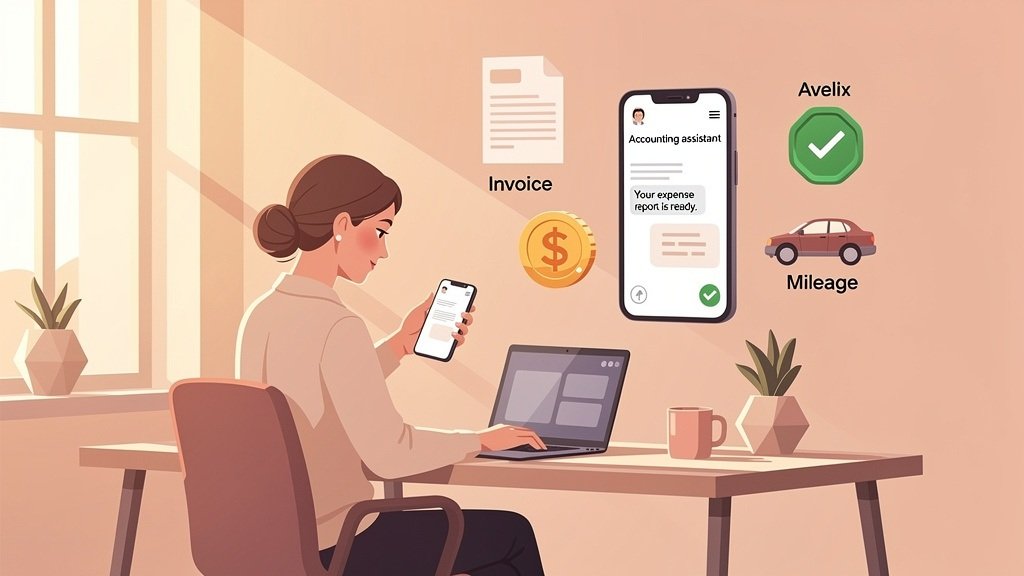
Accounting software brings important financial information into one place. You can record income, categorize expenses, send professional invoices, and keep track of outstanding payments. Many platforms also provide financial reports that help you understand how your freelance business is performing.
Another advantage is improved organization. Instead of searching through emails and receipts, you can use one system to manage your financial records. This can also make it easier to prepare information for your accountant or tax return.
Key Features to Look For
When comparing accounting platforms, freelancers should focus on features that match their daily needs rather than choosing software simply because it has a long list of tools.
1. Invoicing
Professional invoicing is one of the most useful features for freelancers. Good accounting software allows you to create invoices quickly, customize payment details, and monitor whether clients have paid.
Some platforms also send automatic payment reminders, which can reduce the need to manually follow up with clients.
2. Expense Tracking
Freelancers may have expenses for software subscriptions, equipment, advertising, internet services, travel, and other business needs. Expense tracking lets you categorize these costs and maintain accurate financial records.
Some accounting platforms can connect with bank accounts and automatically import transactions, making expense management faster.
3. Income Tracking
Your accounting software should make it simple to record payments from different clients. Clear income records help you understand your monthly revenue and identify your most profitable services or projects.
4. Tax Support
Tax requirements vary depending on where you live, but organized financial records can make tax preparation easier. Look for software that provides useful reports and keeps income and expenses properly categorized.
5. Mobile Access
Freelancers often work from different locations. Mobile access allows you to check invoices, record expenses, or review financial information while away from your computer.
Popular Accounting Software Options
Several accounting platforms are suitable for freelancers, but the best choice depends on your budget, location, business size, and required features.
QuickBooks Online is a popular option for freelancers who want comprehensive accounting features. It provides tools for income and expense tracking, invoicing, financial reports, and other business management tasks.
FreshBooks is another option designed with freelancers and service-based businesses in mind. Its invoicing and time-tracking features can be particularly useful for professionals who bill clients for their hours.
Wave can appeal to freelancers looking for a simpler accounting solution. It provides useful tools for invoicing and basic financial management, although available features can vary by region.
Xero is worth considering for freelancers who want accounting tools that can support them as their business grows. It offers invoicing, transaction management, reporting, and integrations with other business applications.
How to Choose the Right Software
Start by identifying the tasks you perform most frequently. If invoicing is your biggest concern, prioritize a platform with simple and professional billing tools. If you have many business expenses, look for strong expense and transaction management.
Price is also important. A freelancer with only a few clients may not need an expensive accounting package with advanced business features. However, investing in reliable freelance financial management tools can become worthwhile as your income and number of clients increase.
You should also consider ease of use. Complicated software can take more time to learn and manage. A clean interface and automation features can help you maintain your accounts without turning bookkeeping into a daily burden.
Final Thoughts
Finding the best accounting software for freelancers depends on your individual business needs. The right platform can simplify invoicing, expense tracking, income management, and financial reporting while helping you maintain better records.
Before choosing a service, compare its pricing, features, integrations, mobile capabilities, and tax-related tools. Most importantly, select software that is easy for you to use consistently. Good accounting software should save time and give you greater control over your freelance finances.