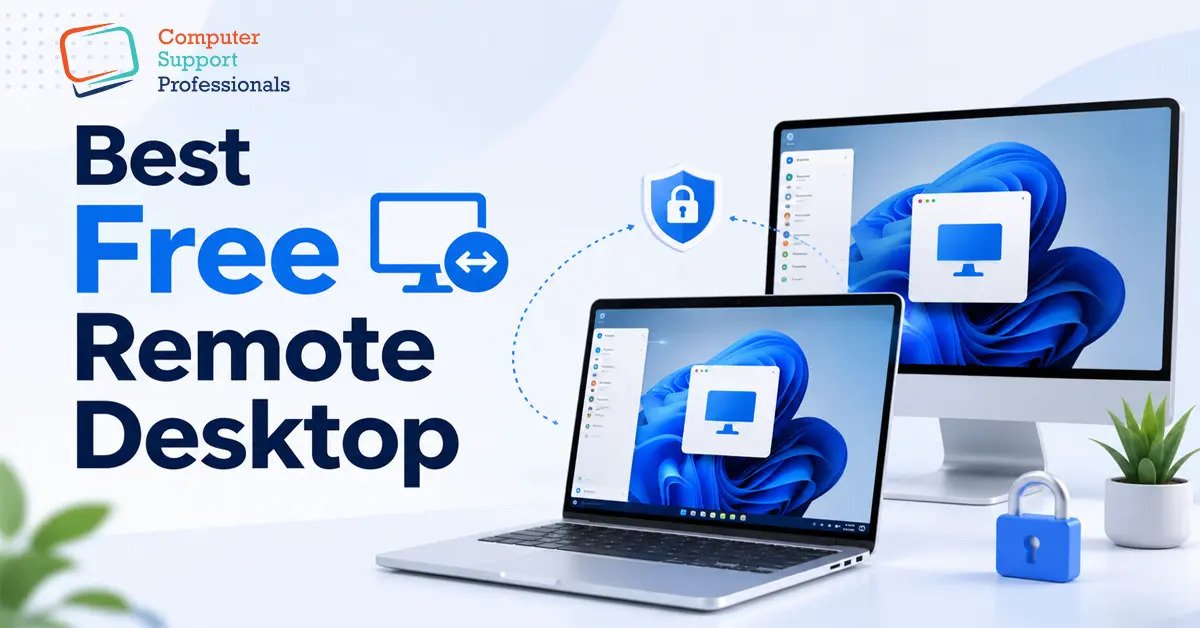
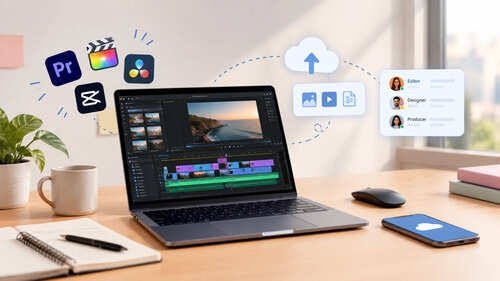
Remote teams need a simple way to share documents, images, videos, and project files without delays. When employees work from different locations, exchanging files through email can become difficult. Large attachments, outdated documents, and limited access can slow down daily tasks.
The best file sharing tools for remote teams help businesses store files online, collaborate on documents, and manage access from anywhere. These platforms make communication easier and help employees stay organized while working from home or different offices.
Why Remote Teams Need File Sharing Tools
Remote work depends on reliable communication and easy access to information. Team members often need to review documents, share project updates, or work on the same files. Without a centralized platform, files can become scattered across emails, devices, and messaging applications.
File sharing software solves these problems by providing a shared workspace. Employees can upload documents, organize folders, and access important information whenever they need it.
These tools also reduce unnecessary email attachments. Instead of sending the same document multiple times, employees can share a single link and allow others to view or edit it.
1. Google Drive
Google Drive is one of the most popular file sharing platforms for remote teams. It allows businesses to store files online and share them with colleagues, clients, and partners.
Teams can organize files into folders and control who can access specific documents. Google Docs, Sheets, and Slides also support real-time collaboration, making it easier for multiple employees to work together.
Google Drive is particularly useful for small businesses, freelancers, and remote teams that already use Google Workspace.
Key benefits:
- Easy file sharing through links.
- Real-time document collaboration.
- Accessible from computers and mobile devices.
- Flexible file and folder permissions.
2. Dropbox
Dropbox is a practical option for businesses that frequently exchange documents and large files. It provides cloud storage, synchronization, and sharing features that help employees access files across different devices.
Remote teams can create shared folders for projects and allow team members to upload, edit, or download files. Its synchronization features also make it convenient for people who regularly work with desktop files.
Dropbox can be particularly helpful for marketing agencies, designers, freelancers, and businesses that share creative content.
Key benefits:
- Convenient file synchronization.
- Shared folders for team projects.
- Easy external file sharing.
- Useful file recovery and version history features.
3. Microsoft OneDrive
Microsoft OneDrive is a strong choice for remote teams using Microsoft 365. It allows employees to store, manage, and share documents while working with familiar applications such as Word, Excel, and PowerPoint.
Users can share files with specific people and adjust access permissions. Teams can also collaborate on documents without constantly downloading and uploading new versions.
OneDrive works well for businesses that want to manage their documents within the Microsoft ecosystem.
Key benefits:
- Integration with Microsoft Office applications.
- Cloud storage and synchronization.
- Document sharing with permission controls.
- Convenient access across different devices.
4. Box
Box is designed for businesses that need file sharing, document management, and collaboration features. It offers a centralized workspace where employees can organize documents and share information with internal or external users.
Businesses can use Box to manage access permissions and support document-related workflows. Its administrative features can also help organizations manage sensitive business information.
Box is suitable for companies that need more control over their files and collaboration processes.
Key benefits:
- Business-focused file management.
- Access control and security features.
- Collaboration with external partners.
- Integration with various business applications.
5. WeTransfer
WeTransfer is a simple platform for sending files to other people. It is useful when remote workers need to deliver large documents, videos, images, or design files without creating complicated folder structures.
The platform is especially convenient for one-time transfers. Employees can upload files and share a transfer link with clients or colleagues.
However, it is better suited to sending files than managing long-term team collaboration.
Key benefits:
- Simple file transfer process.
- Convenient for large media files.
- Easy sharing with clients.
- Minimal setup for occasional transfers.
How to Choose the Right File Sharing Tool
Choosing the right platform depends on your team’s size, budget, workflow, and security requirements. Some businesses need simple file sharing, while others require advanced access controls and document management.
Before choosing a platform, consider storage capacity, file synchronization, collaboration features, security, and pricing. Make sure employees can easily use the platform without extensive training.
Businesses should also review secure document collaboration platforms when handling confidential contracts, financial records, customer information, or internal reports.
A good file sharing tool should make work easier rather than create additional complications. Testing a free plan or trial can help your team identify the most suitable option.
Conclusion
The best file sharing tools for remote teams make collaboration easier, improve organization, and help employees access important documents from anywhere. Google Drive, Dropbox, Microsoft OneDrive, Box, and WeTransfer offer different features for different business needs.
By choosing a platform that fits your workflow, you can reduce communication problems, simplify file management, and improve productivity. A reliable file sharing solution can help your remote team work more efficiently and stay connected.