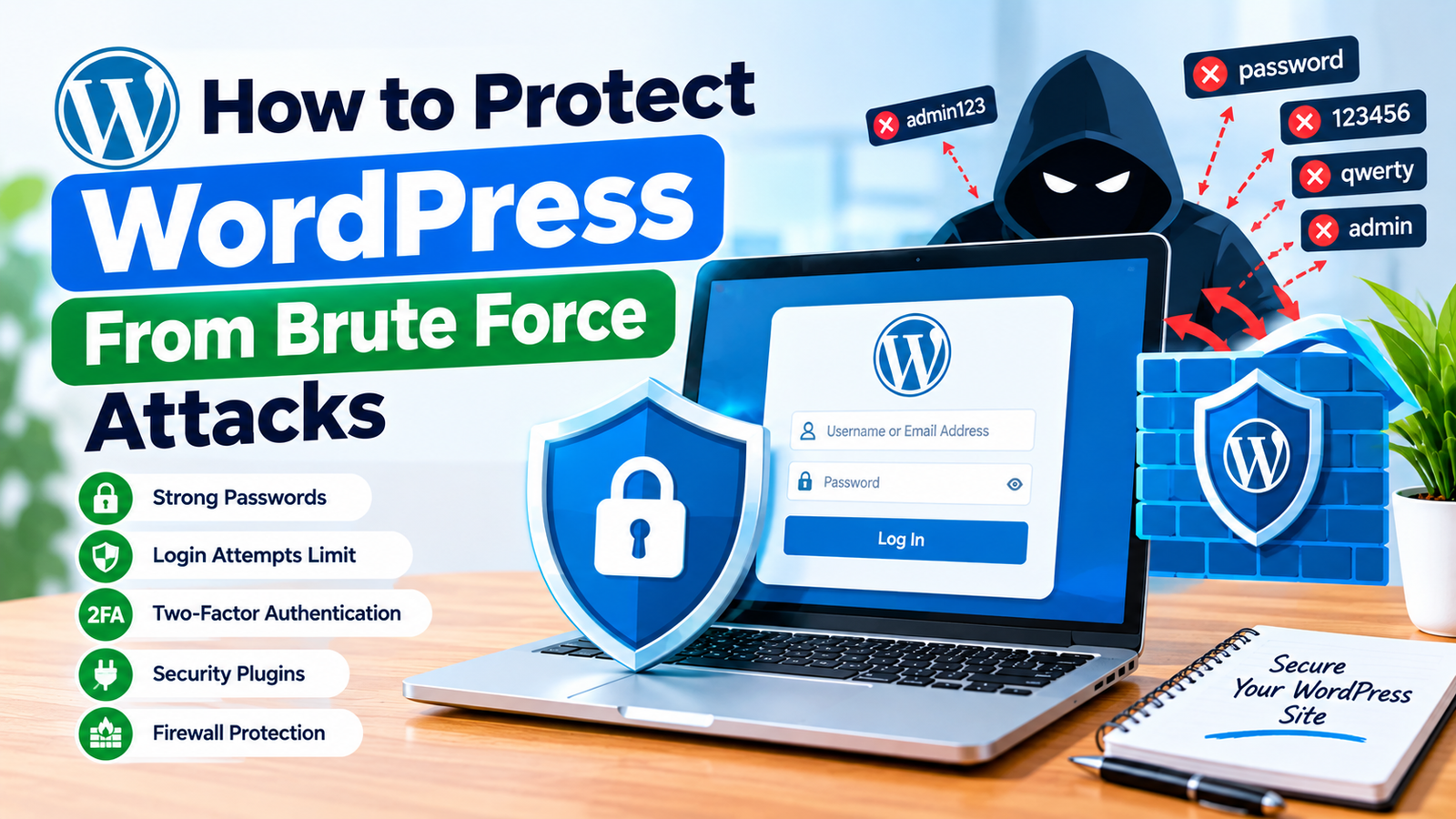
WordPress is one of the most popular platforms for creating websites, which also makes it a common target for automated attacks. One of the most frequent threats is a brute force attack. In this type of attack, bots repeatedly try different usernames and passwords until they find the correct login details.
Learning how to protect WordPress from brute force attacks can help keep your website, administrator account, and content safer. Fortunately, you do not need advanced technical knowledge to add several layers of protection.
In this guide, you will learn simple ways to reduce brute force attacks and improve the overall security of your WordPress website.
What Is a Brute Force Attack?
A brute force attack happens when an attacker repeatedly tries to log in to your website using different username and password combinations.
Attackers often use automated software to make thousands of login attempts. These attempts can continue for hours or even days.
If an attacker correctly guesses an administrator password, they may gain access to your WordPress dashboard. This can allow them to change content, install unwanted plugins, create users, or damage your website.
For this reason, protecting the WordPress login area is an important security step.
Use a Strong Password
One of the easiest ways to protect your website is to use a strong and unique password.
Avoid simple passwords that contain your name, website name, birthday, or common words. Instead, use a long password containing uppercase letters, lowercase letters, numbers, and special characters.
Never reuse your WordPress administrator password on another website.
A password manager can also help you create and store strong passwords securely.
Limit Login Attempts
Limiting failed login attempts can make brute force attacks much more difficult.
For example, you can configure your website to allow only five failed login attempts. After reaching the limit, the user or IP address can be temporarily blocked.
You can use a reputable WordPress security plugin to configure this feature.
A temporary lockout prevents bots from continuously trying thousands of password combinations.
Choose a reasonable limit so legitimate visitors are not accidentally locked out after a few incorrect attempts.
Enable Two-Factor Authentication
Two-factor authentication, also called 2FA, adds another security layer to your WordPress login.
With 2FA enabled, users need more than their password to access an account. They may also need a verification code from an authentication app or another approved method.
This means that even if an attacker discovers your password, they may still be unable to access your account.
Enable 2FA for administrator and other important user accounts whenever possible.
Change the Default Login URL
WordPress normally uses common login addresses such as /wp-login.php and /wp-admin.
Changing the login URL can make the standard login page less obvious to automated bots. A security plugin can help you create a custom login path.
This should not be considered complete protection by itself. However, it can reduce automated requests targeting the default login address.
Keep your new login URL private and save it somewhere secure so you do not forget it.
Install a Security Plugin
A trusted WordPress security plugin can provide several useful protection features in one place.
Depending on the plugin, you may get features such as login attempt limits, firewall protection, IP blocking, malware scanning, security alerts, and two-factor authentication.
After installing a security plugin, review its settings carefully. Do not enable every feature without understanding what it does.
Some security tools may affect website performance or block legitimate visitors if configured too aggressively.
Keep WordPress Updated
Keeping WordPress updated is another important security practice.
Updates can include security fixes, performance improvements, and bug fixes. You should regularly check for updates for WordPress core, themes, and plugins.
Remove plugins and themes that you no longer use. Unused software can increase the number of components that need to be maintained.
Before making major updates, keep a recent backup of your website.
Use a Web Application Firewall
A web application firewall, or WAF, can help filter suspicious traffic before it reaches important parts of your website.
Some WordPress security plugins include firewall protection. Hosting providers and security services may also offer WAF features.
A firewall can help identify and block suspicious requests, malicious traffic, and repeated login attempts.
For websites that receive significant traffic, a firewall can be an important part of a broader security strategy.
Monitor Failed Login Attempts
Regularly monitoring failed login attempts can help you identify unusual activity.
If you suddenly see hundreds or thousands of failed login attempts, automated bots may be targeting your website.
Security plugins can often record these attempts and provide information about suspicious IP addresses or usernames.
Use this information to adjust your security settings when necessary.
You should avoid manually blocking large numbers of IP addresses unless you understand the consequences. Automated security tools can often handle this more efficiently.
Create Regular Backups
Security protection should always include reliable backups.
A backup gives you a way to restore your website if an attacker gains access or your files become damaged.
Create backups regularly and store them in a secure location separate from your main website.
Test your backups occasionally to make sure they can actually be restored.
A backup does not prevent a brute force attack, but it can greatly reduce the impact of a successful security incident.
Final Thoughts
Learning how to protect WordPress from brute force attacks is an important part of website security. You can start with simple steps such as using a strong password, limiting login attempts, enabling two-factor authentication, and keeping WordPress updated.
You can also use a trusted security plugin, change the default login URL, add firewall protection, monitor suspicious activity, and maintain regular backups.
The goal is not to rely on one security feature. Instead, use multiple layers of protection. These measures work together to make unauthorized access more difficult and help keep your WordPress website secure.
By following these practices and reviewing your WordPress brute force protection settings regularly, you can reduce the risk of automated login attacks and create a safer environment for your website and its users.